

What is Microsoft Project Online?
MS Project Online is a cloud-based solution for complex project management workflows. It helps a project management office (PMO) to manage cross-project activities and dependencies and for this purpose offers robust tools for resource management and strategic portfolio analysis to align every project directly with business objectives.
Read More: Tired of MS Project? 16 MS Project Alternatives for Modern Teams
Why is MS Project Online being retired?
Microsoft’s decision to retire Project Online stems primarily from its legacy architecture. As the platform was built on the foundations of older SharePoint Online workflows, it doesn’t allow for developing modern and more innovative software.
However, if Microsoft decommissioning the platform, development resources can be redirected towards modernization, specifically Microsoft 365 Copilot and the newly introduced Project Manager agent.
Read More: The Next Generation of PMO Tools: How to Choose the Perfect One for You
When will Microsoft Project Online retire?
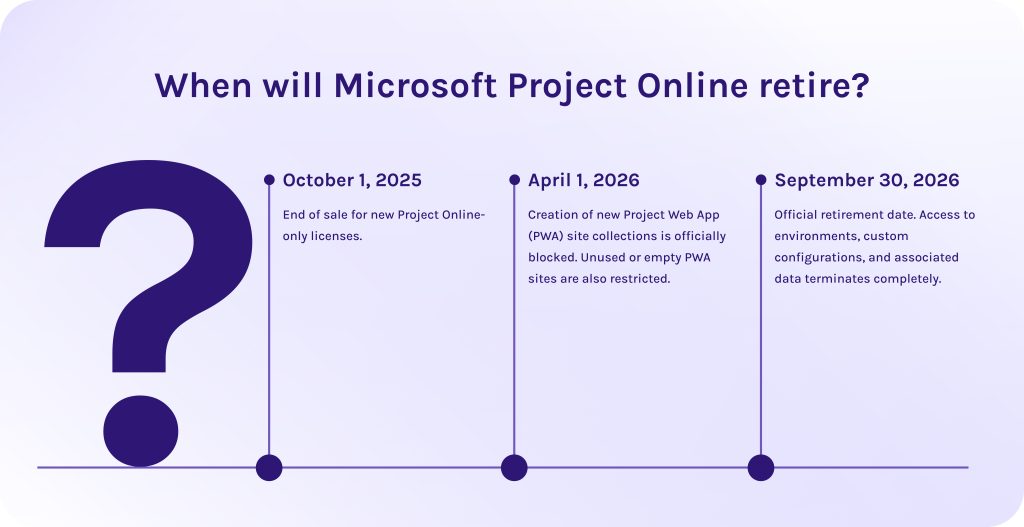
The MS Project Online retirement isn’t a one-day-long process. It will unfold in a series of phased milestones:
- October 1, 2025: End of sale for new Project Online-only licenses [1].
- April 1, 2026: Creation of new Project Web App (PWA) site collections is officially blocked. Unused or empty PWA sites are also restricted [1].
- September 30, 2026: Official retirement date. Access to environments, custom configurations, and associated data terminates completely [1].
What does MS Project Online retirement mean for companies?
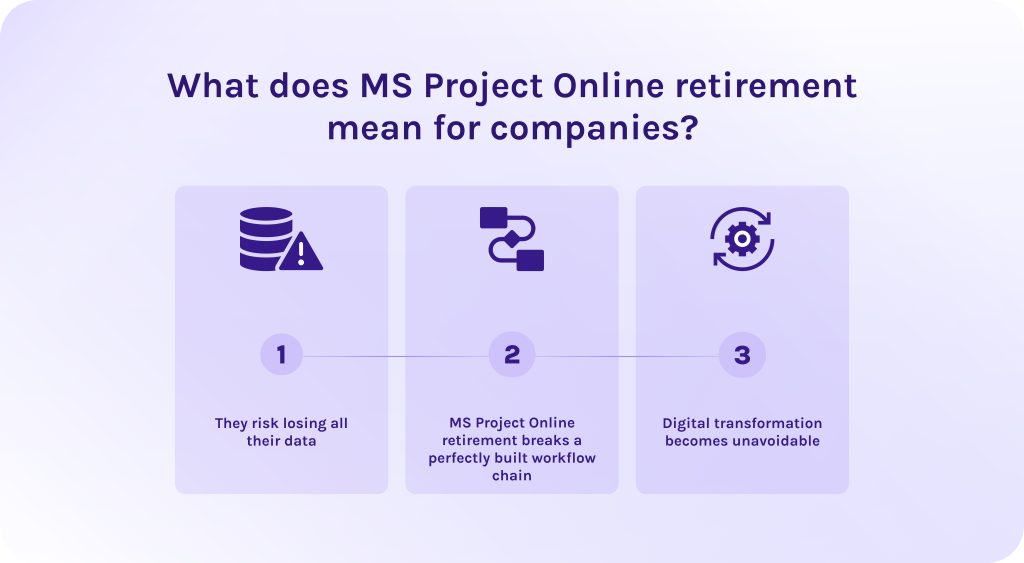
Many organizations have been using Microsoft Projects Online for years. So, now, they face some consequences of MS Project Online retirement:
- They risk losing all their data. If companies don’t export their project data to alternative solutions, it will become completely unavailable.
- MS Project Online retirement breaks a perfectly built workflow chain. Custom scripting and automated workflows tightly coupled with PWA sites will break as parallel SharePoint deprecations take effect.
- Digital transformation becomes unavoidable. Because of the Microsoft Project Online retirement, without the transition to the newest, flexible systems, many companies are likely to fall behind the competitors. This transition requires an intentional window of 3 to 9 months for auditing and training teams.
Read More: A Complete Guide to the Leading Resource Management Tools in 2026
What are the limitations of Project Online?
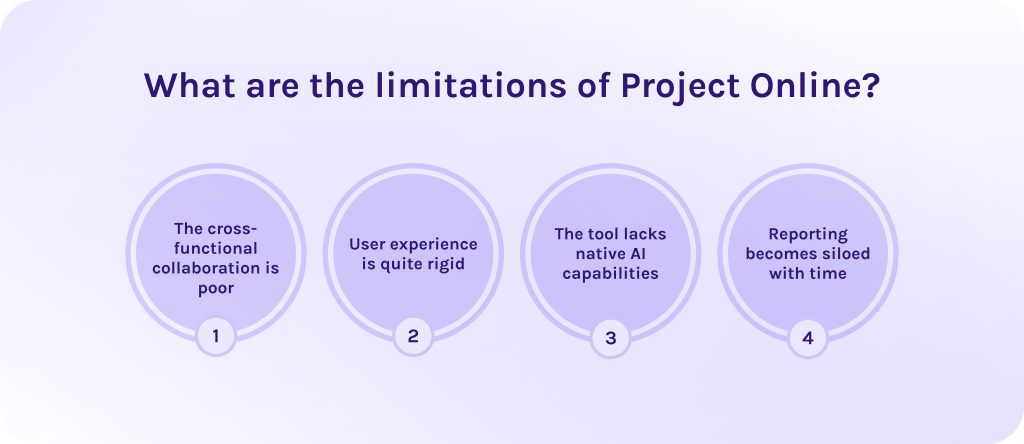
But for years, users were experiencing several problems with Project Online. Here are some limitations that have driven MS Project Online retirement:
- The cross-functional collaboration is poor. The tool separates planning from execution and requires teams to manually jump between Microsoft Project and everyday chat or task apps.
- User experience is quite rigid. Customizing templates, metadata, or custom fields demands significant SharePoint administrative overhead.
- The tool lacks native AI capabilities. The legacy code cannot support real-time conversational AI assistants and other modern features.
- Reporting becomes siloed with time. Pulling data into cross-project portfolios or modern Power BI dashboards requires complex configurations.
Read More: What is Program Management? A Deep Dive into Strategic Success and Program Leadership
What are the Microsoft Project Online alternatives?
In this article, we discovered not only options proposed by Microsoft itself, but also discovered other project management tools available in the market.
What Microsoft Project alternatives does Microsoft recommend?
1. Microsoft Planner
This is what Microsoft primarily recommends for cloud replacement. It consolidates Project for the web, To Do, and traditional Planner into a single tool. Premium licenses (Plans 3 and 5) unlock advanced project management capabilities like Gantt charts, baselines, advanced dependencies (lead/lag), and portfolio tracking, alongside the Copilot Project Manager agent [2].
2. Project Server Subscription Edition (SE)
This is a perfect choice for enterprise PMOs that require a near-identical feature set to Project Online but must maintain strict on-premises infrastructure or private cloud control [3]. Because it is hosted entirely on your own hardware or managed private cloud, it bypasses the security compliance and data residency constraints that often prevent highly regulated industries from utilizing public cloud applications.
3. Dynamics 365 Project Operations
This solution is designed for massive enterprise environments that require:
- Heavy financial tracking.
- Native timesheet billing approvals.
- End-to-end resource utilization metrics tied straight to an ERP.
This integration enables organizations to convert winning sales proposals directly into operational project structures with multi-dimensional pricing. As well, it allows to automatically apply varying contract line billing rules and leverage automated expense systems complete with OCR receipt capture.
Read More: Product Portfolio Management Tools: Complete Guide to Choosing the Best Solution in 2026
What alternatives do we recommend?
Among Project alternatives Online we can highlight the following ones:
1. Epicflow
Epicflow is designed for large enterprises that run multi-project portfolios where resource constraints are the primary bottleneck to delivery. It operates on Critical Chain Project Management (CCPM) theory and focuses entirely on dynamic resource allocation [4].
Its core strength lies in its predictive algorithms that track data and processes in real time, calculating resource availability and task priorities across hundreds of concurrent projects.
2. Wrike
This solution is a highly scalable work management platform for flexible execution. Wrike stands out for its robust folder and space architecture, which allows complex organizations to build deeply nested project hierarchies while keeping project data securely siloed or cross-functional as needed [5].
3. ClickUp
The ultimate “all-in-one” productivity and project management platform designed for fast-moving organizations that want to consolidate their entire software stack into a highly customizable workspace. ClickUp replaces not just project data, schedules, but docs, wikis, goals, chats, whiteboards, and time-tracking spreadsheets.
Read More: 10 AI Project Management Tools to Pay Your Attention to in 2026
Microsoft Project alternatives table of comparison
To choose your perfect Microsoft Project Online alternatives, looking both inside and outside the Microsoft ecosystem.
| Alternative platform | Best suited for | Core strength | Limitations |
| Microsoft Planner | Teams committed to M365 wanting lightweight to medium PMO governance. | Native Teams/Copilot integration; familiar UI. | Lacks heavy-duty resource leveling and native time tracking. |
| Project Server (SE) | Enterprise PMOs requiring strict on-premises or private cloud data control. | Preserves legacy PWA configurations and deep SQL reporting pipelines. | High infrastructure maintenance overhead. |
| Dynamics 365 Project Operations | Large service organizations that need end-to-end “quote-to-cash” financial tracking. | Direct ERP integration; automated billing and revenue recognition. | Steep learning curve; complex setup; overkill for non-financial PMOs. |
| Epicflow | Multi-project enterprise environments that deal with severe resource bottlenecks. | AI-driven cross-project resource re-prioritization. | Requires mature resource data. |
| Wrike | Cross-functional enterprise teams that balance governance with modern agility. | Deep folder hierarchies. | Interface can feel cluttered and overwhelming. |
| ClickUp | Fast-moving companies looking to consolidate their entire software stack. | Extreme UI flexibility. | Frequent platform updates can cause UI instability. |
Read More: Best Critical Path Software and Modern CPM Tools for Project Management
Conclusion
The MS Project Online retirement on September 30, 2026, marks the end of an era, but it also provides an opportunity to modernize corporate work structures.
However, don’t worry too early – you have lots of options to choose from. If you want to stay within the Microsoft ecosystem – select a redesigned Microsoft Planner, Project Server (SE), or Dynamics 365 Project Operations. On the contrary, if you want to shift to a flexible modern project management platform like Epicflow or Wrike, action must be taken immediately. Review your active portfolios, archive historic data into external warehouses like Azure SQL, and choose your path forward before the database goes dark.
If you’re struggling to migrate seamlessly and avoid problems connected to MS Project Online retirement, contact our specialists to get a detailed consultation on your specific situation.
FAQs
1. What is Microsoft Project Online?
It is a cloud-based project and portfolio management platform hosted on SharePoint Online. It was designed for enterprise PMOs to manage complex schedules and constraint resources in large project portfolios.
2. Is Microsoft Project Online being retired?
Yes. Microsoft has officially announced that the Project Online is retiring on September 30, 2026.
3. What is replacing MS Project Online?
Microsoft is replacing it by consolidating its cloud features into Microsoft Planner (Premium).
4. Is Microsoft closing MS Project?
No. Microsoft is only retiring the Online cloud service built on legacy SharePoint architecture. The core brand lives on through Microsoft Planner and desktop applications.
5. Can I still use Microsoft Project?
Yes. You can continue using Microsoft Project desktop applications and Project Server Subscription Edition (SE). These tools are separate products that won’t be affected by this specific cloud shutdown.
6. What is MS Project called now?
All features offered earlier by MS Project are unified under the Microsoft Planner. However, some traditional enterprise “Project” features are now locked under advanced tiers.
7. What’s happening with Microsoft Project?
Microsoft is transitioning away from independent planning systems towards integrated into the entire ecosystem. They embed advanced planning logic directly into environments powered by M365 Copilot.
8. What happens to my existing Project Online data after retirement?
After September 30, 2026, all access to Project Online will be terminated. After MS Project Online retirement, any data not manually backed up or migrated to a new platform will be permanently deleted by Microsoft.
9. Is Microsoft Project Desktop also being retired along with Project Online?
No. The Microsoft Project Desktop client remains active and available under Plan 3 and Plan 5 licensing.
10. What is the timeline for transitioning away from Project Online?
MS Project Online retirement can be marked by the following phases:
- Sales to new customers ended on October 1, 2025.
- The creation of new tenants and PWA spaces was blocked on April 1, 2026.
- The final deadline to migrate your data is September 30, 2026.
References
- https://techcommunity.microsoft.com/blog/plannerblog/microsoft-project-online-is-retiring-what-you-need-to-know/4450558
- https://www.microsoft.com/uk-ua/microsoft-365/planner/microsoft-planner
- https://www.microsoft.com/uk-ua/microsoft-365/project/enterprise-project-server
- https://www.epicflow.com/
- https://www.wrike.com/vbh/
- https://www.researchgate.net/publication/377746945_Navigating_Project_Success_-_A_Deep_Dive_Into_The_Influence_Of_MS_Project
- https://www.researchgate.net/publication/393403281_Getting_Started_with_Microsoft_Project
- https://www.researchgate.net/publication/261424212_Using_Microsoft_Project_for_project_management_in_non-governmental_organisations